

Card Shop Sim & TCG Battles
TCG Card Shop Simulator Wiki
Turn a small trading card shop into your dream store by stocking packs, setting prices, and collecting rare cards. Build your Tetramon deck, challenge NPC customers, and join tournaments while your shop keeps running.
- Early Access Sep 15, 2024
- 1.0 Update Sep 14, 2026
- 4,436 Collectible Cards
- 111 Products
- 43 Furniture Types
- 50 Steam Achievements
Latest Updates
Start Here
- 01
TCG Card Shop Simulator Guide: Master Your Store Strategy
Master the ultimate TCG Card Shop Simulator guide. Learn pro tips on pricing, staff hiring, and the best ways to sell singles to grow your card empire today!
- 02
Complete TCG Card Shop Simulator Achievements Guide & Tips
Master TCG Card Shop Simulator achievements with our expert guide. Learn how to reach level 100, collect 4000 cards, and maximize your profits today.
- 03
TCG Card Shop Simulator Fastest Way to Level Up: Pro Guide
Discover the TCG Card Shop Simulator fastest way to level up. Learn expert strategies for managing inventory, XP farming, and optimizing shop efficiency.
- 04
TCG Card Shop Simulator Max Level Guide: Leveling Tips
Want to reach the TCG Card Shop Simulator max level? Discover effective XP strategies, item management tips, and shop optimization techniques to level up fast.
Recommended Pages
Trending Now
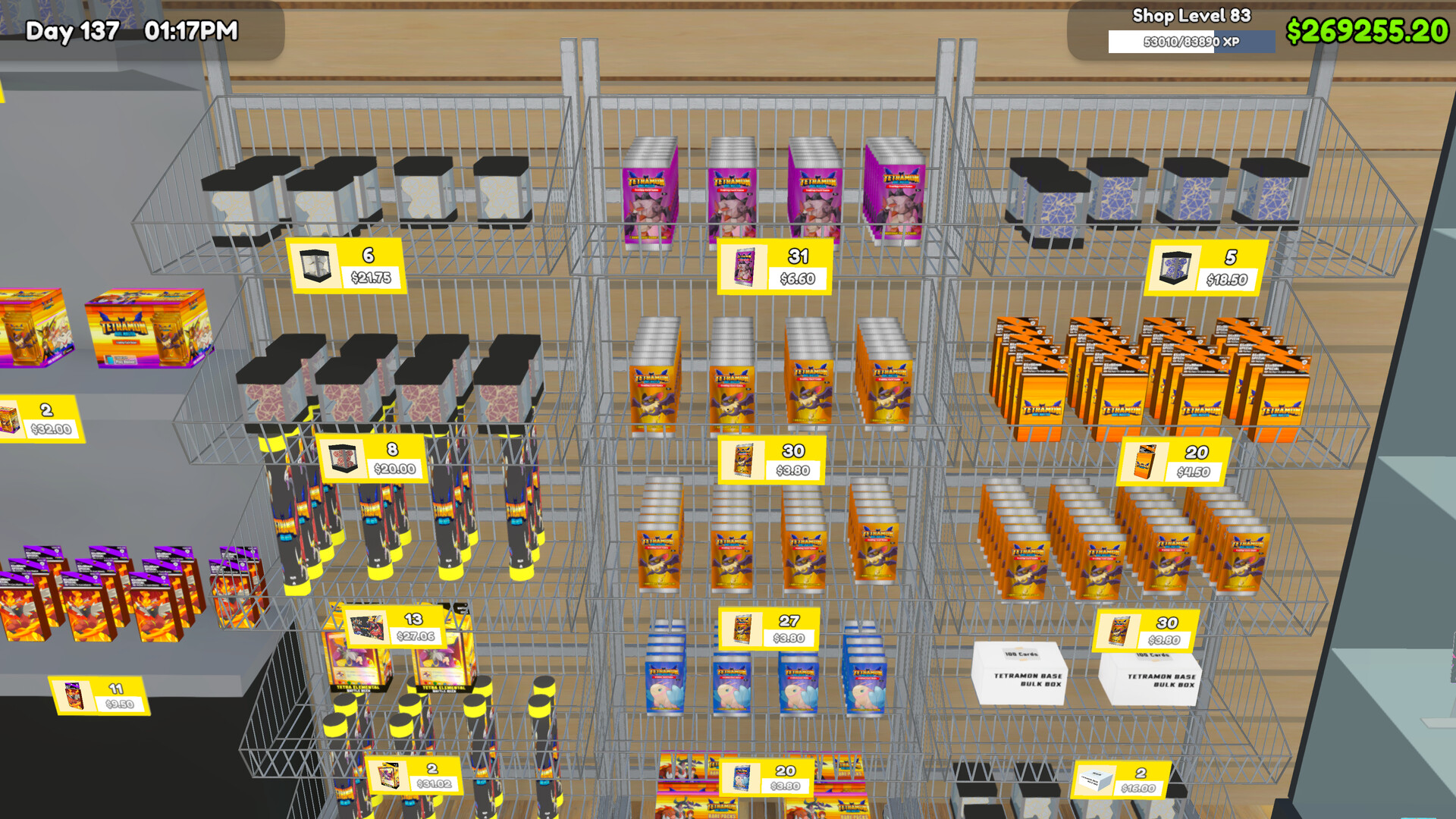
Store Strategy
Master the ultimate TCG Card Shop Simulator guide. Learn pro tips on pricing, staff hiring, and the best ways to sell singles to grow your card empire today!
Read more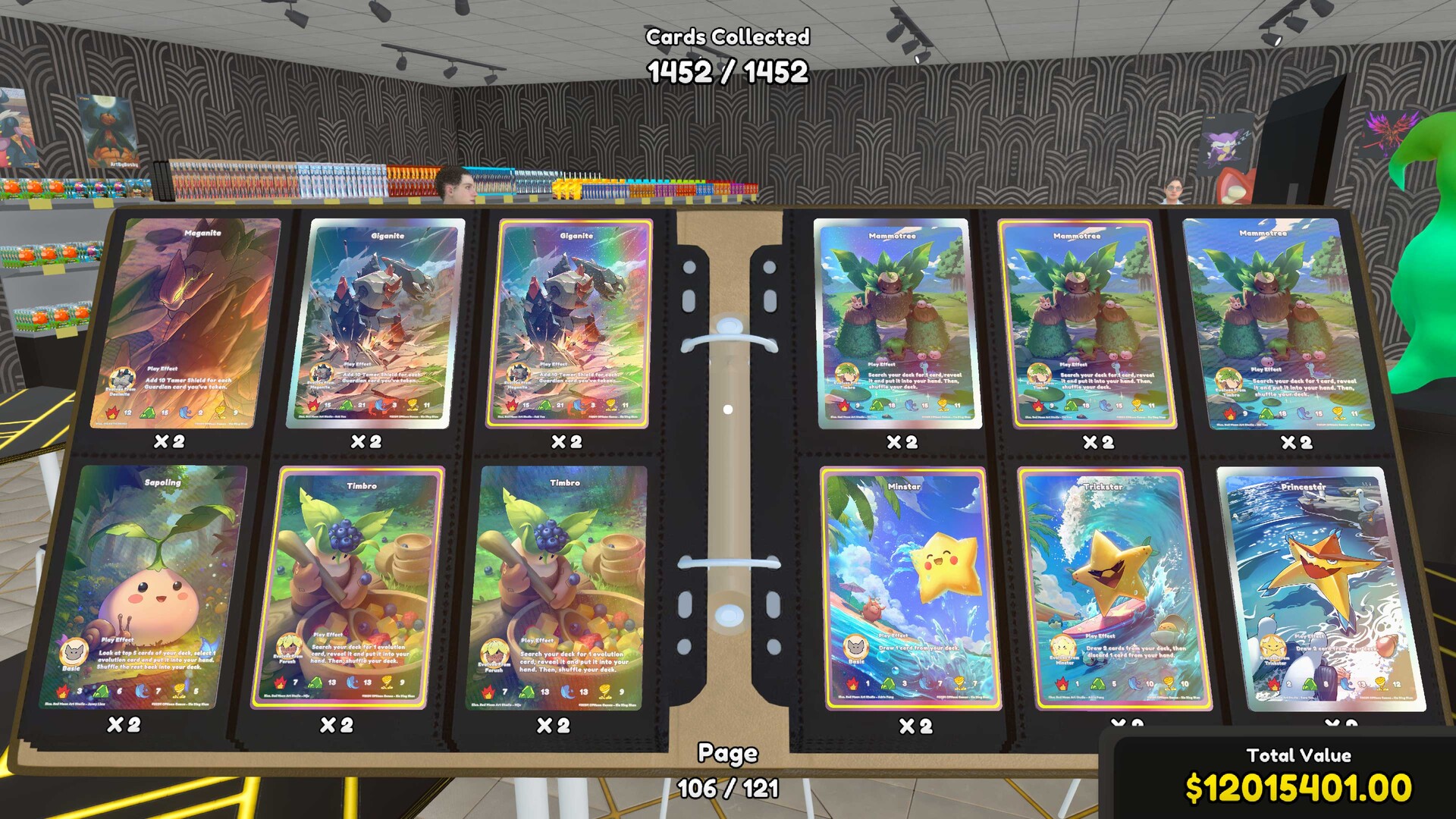
Achievements
Master TCG Card Shop Simulator achievements with our expert guide. Learn how to reach level 100, collect 4000 cards, and maximize your profits today.
Read more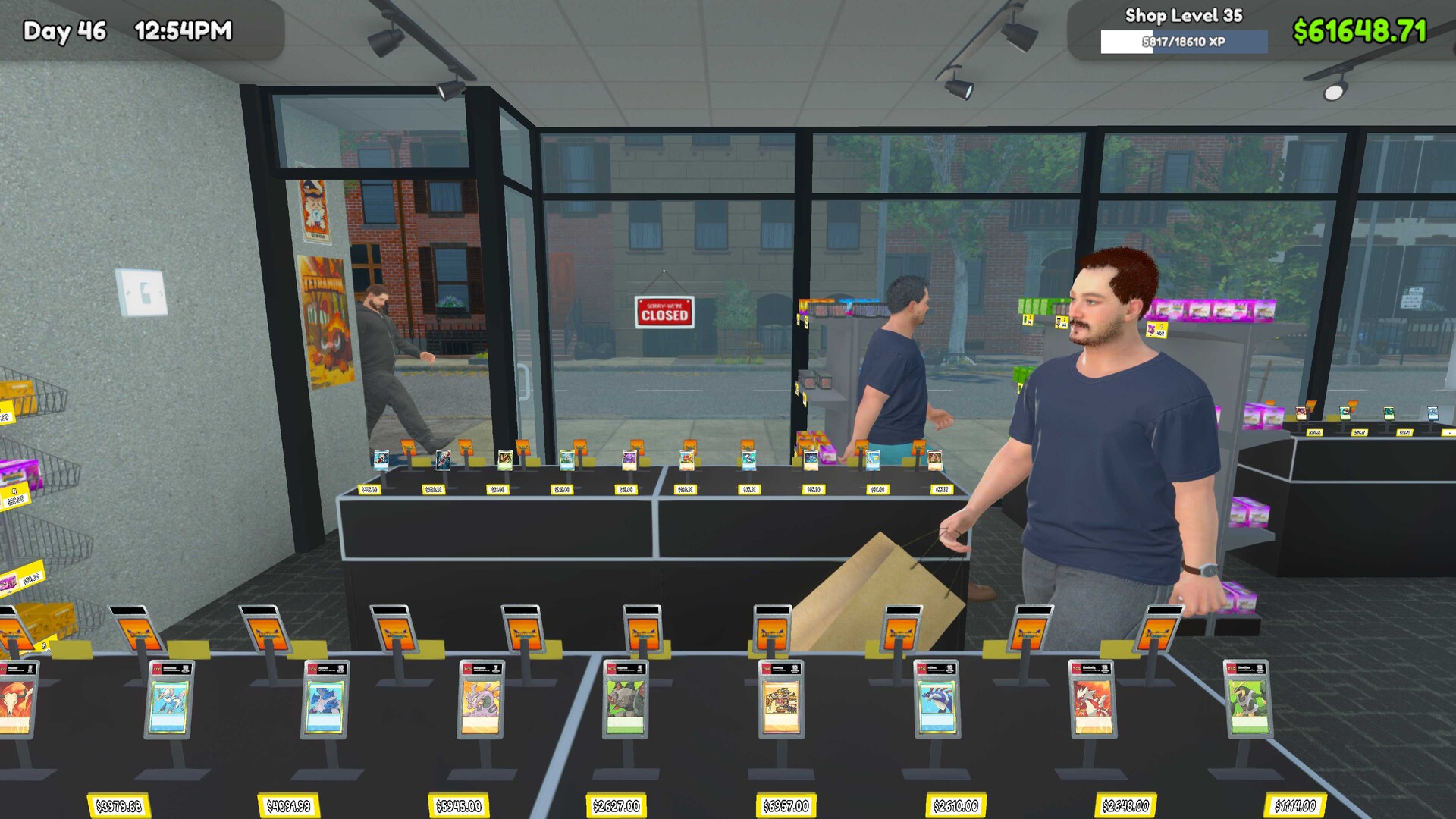
Fast Leveling
Discover the TCG Card Shop Simulator fastest way to level up. Learn expert strategies for managing inventory, XP farming, and optimizing shop efficiency.
Read more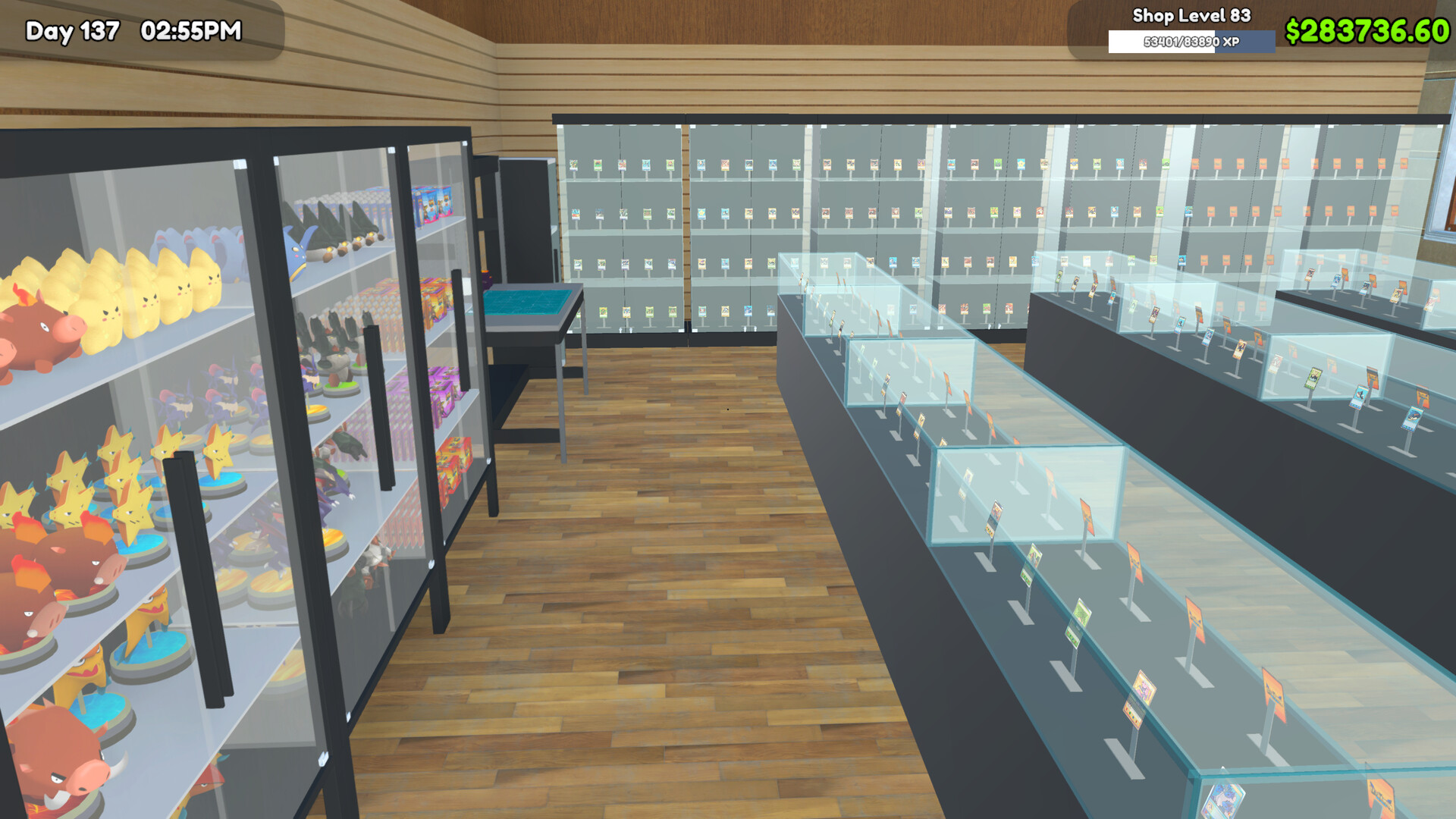
Max Level
Want to reach the TCG Card Shop Simulator max level? Discover effective XP strategies, item management tips, and shop optimization techniques to level up fast.
Read more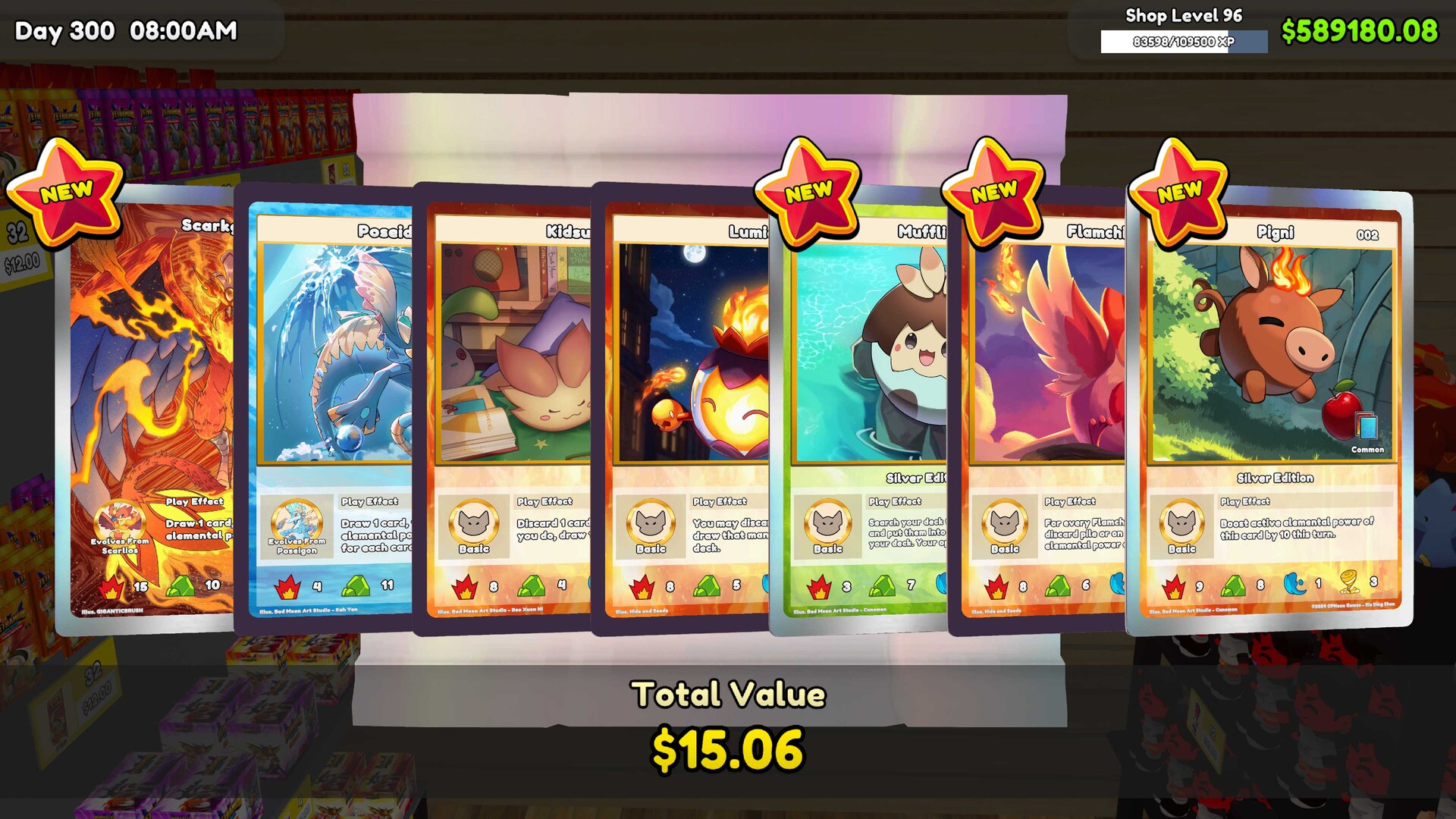
Reward Points
Learn how to get reward points in TCG Card Shop Simulator with our expert guide. Discover proven strategies for card collection and shop management success.
Read more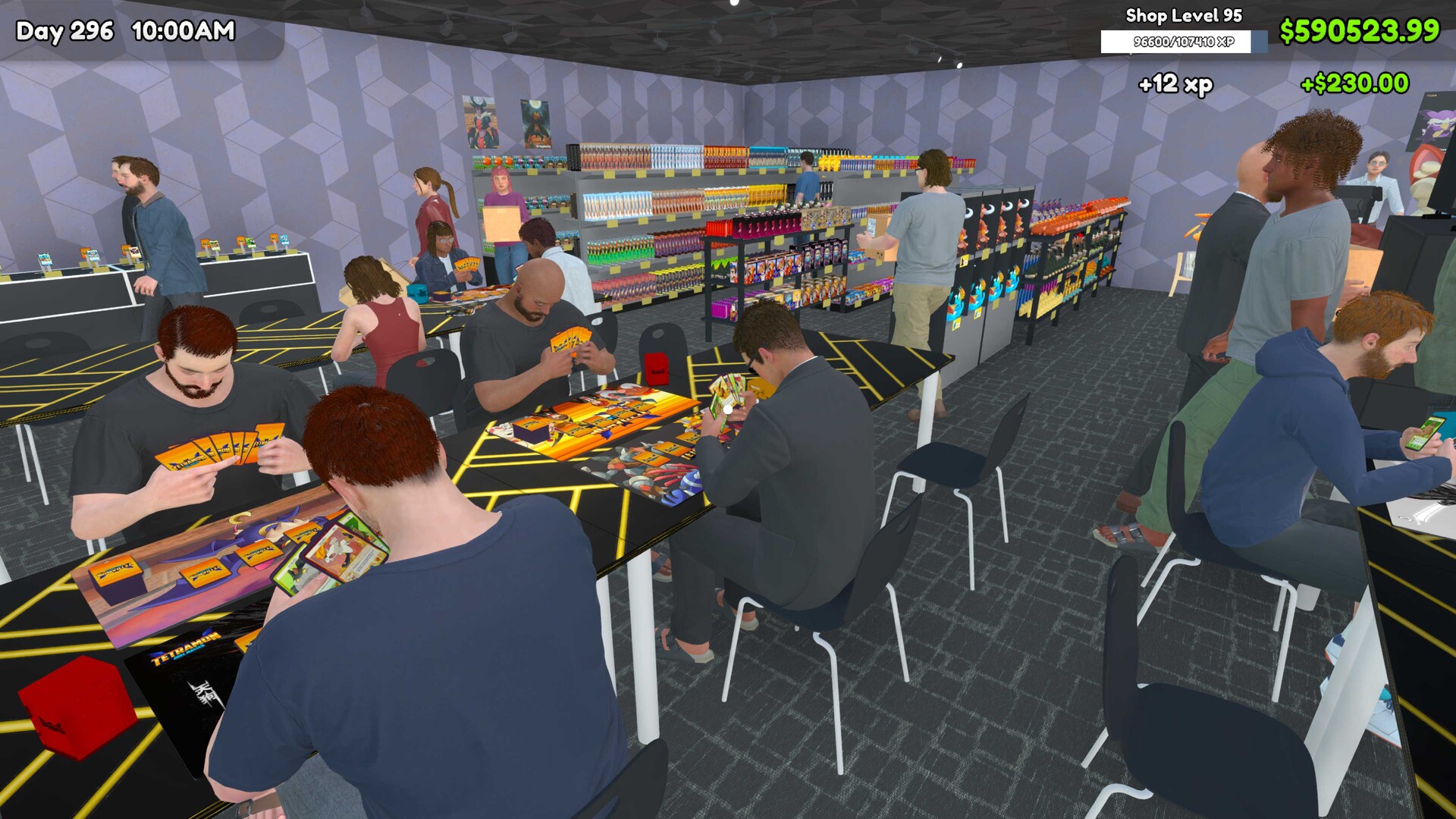
Reddit Tips
Struggling to grow your business? Discover the best TCG Card Shop Simulator Reddit tips, from pricing strategies to managing inventory and customers.
Read more
What is TCG Card Shop Simulator?
TCG Card Shop Simulator is a single-player management game by OPNeon Games. Run a card store by ordering products, arranging shelves, serving customers, and reinvesting your profits.
Collect cards from booster packs and trade with customers to grow your collection. The 1.0 release adds playable Tetramon matches, letting you build decks and take part in your shop's tournaments.
Browse guides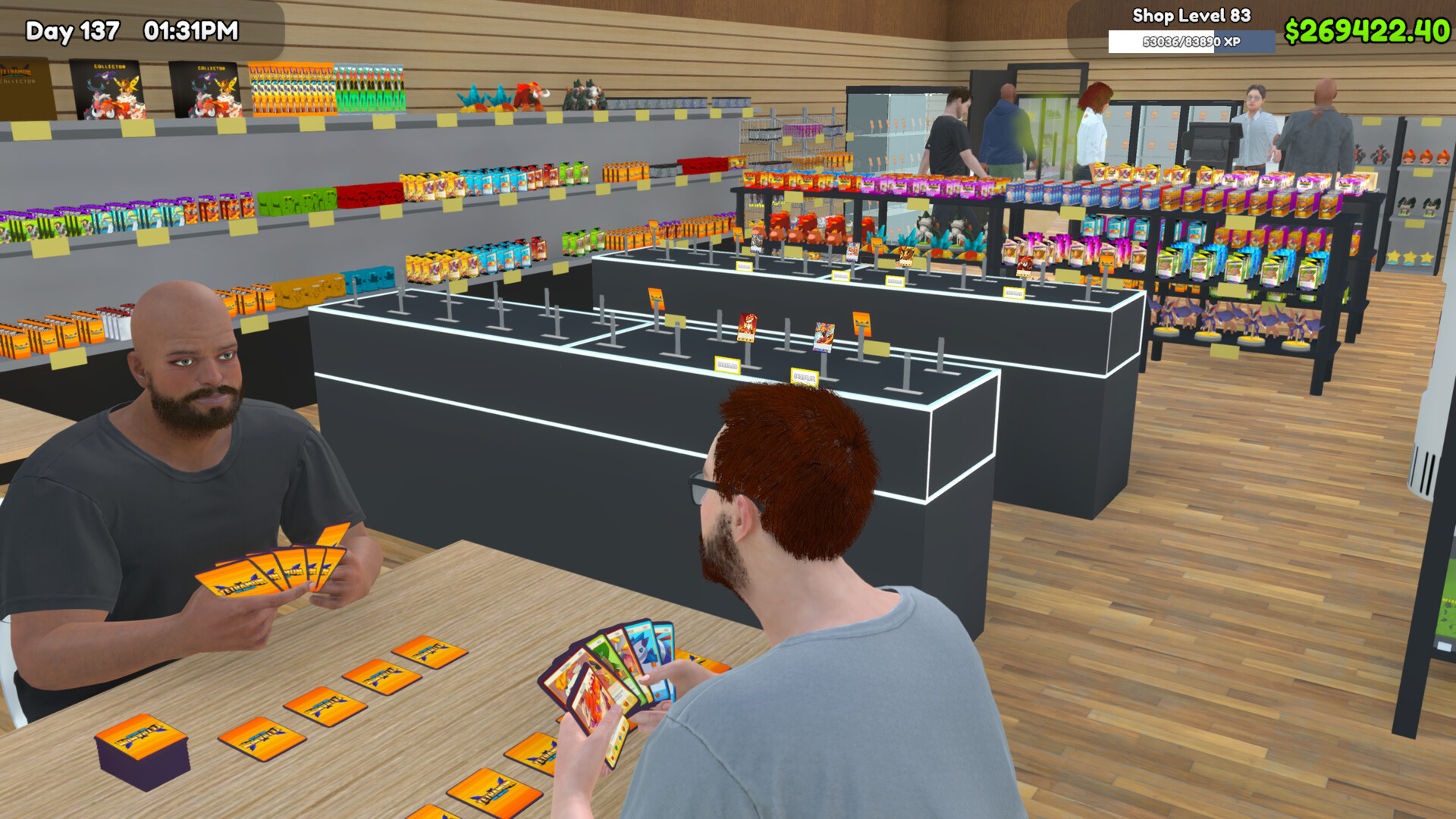
- Collectible Cards
- 4,436
- Products
- 111
- Furniture Types
- 43
- Steam Achievements
- 50
- Platforms
- Windows PC, PlayStation 4, PlayStation 5, Xbox One, Xbox Series X|S, Nintendo Switch, Nintendo Switch 2
- Genres
- Simulation
- Modes
- Single player
- Release date
- 2026-09-14
- Developer
- OPNeon Games
Explore the wiki
Guides
Step-by-step guides for running your card shop, from the first day of stocking shelves to late-game progression and achievements.
Mods
How to install BepInEx and mods, where to download them, and what popular card and furniture mods change.
Cards
Pack licenses, rare pulls, card values and grading explained for collectors and shop owners.
Shop
Pricing, restocking, staff, furniture and layout advice for turning a small store into a busy card shop.
Tetramon Battles
Deck building, the Workbench, match rules and tournament hosting for the in-shop Tetramon card game.
Platforms
Which platforms the game is on, how the demo and full release differ, and where to buy it.
Updates
Patch notes, version changes and the published roadmap for the 1.0 release and beyond.
Support
Troubleshooting for save files, controllers, crashes, performance and known gameplay bugs.
TCG Card Shop Simulator Beginner Guide
Learn the opening-day routine, from stocking shelves to serving your first customers. Build a repeatable plan for cleaning, restocking, and reinvesting your shop income.
- 1
Order booster packs and place them on shelves so customers can browse and buy.
- 2
Set selling prices and serve customers at the checkout counter.
- 3
Keep the shop clean; poor hygiene can drive customers away from your play tables.
- 4
Restock products that sell and reinvest profits in more space, facilities, and card sets.
TCG Card Shop Simulator Card Prices and Money Making
Learn how to price products and individual cards without confusing market value with guaranteed profit. Compare retail sales, graded-card values, and play-table income before choosing your next investment.
- Product Pricing
Use the in-game market information as a reference when setting your selling prices.
- Graded Card Values
Select a specific grade in the card price graph to view that grade's market value.
- Play Table Income
A higher store rating allows higher play-table fees, creating income beyond product sales.
- Keep or Sell
Cards pulled from booster packs can be kept for your collection or sold individually.
TCG Card Shop Simulator Cards and Ghost Cards
Explore the card collection, from Destiny packs to Ghost and Ascension pulls. Compare pack licenses and collectible variants before planning your next opening session.
- Full Collection
The 1.0 update lists 4,436 collectible cards across the game's collection.
- Destiny Packs
Destiny has Basic, Rare, Epic, and Legendary pack licenses to unlock.
- Ghost Cards
Full-art foil Ghost cards can be obtained through pack opening.
- Ascension Expansion
Ascension adds 1,452 collectible cards, including borderless full-art foil pulls.
TCG Card Shop Simulator Card Grading Guide
Learn how to submit cards for grading and find the returned cards in your album. Compare service costs, turnaround times, and grade-specific market values before selling.
- 1
Open The Cardinal's Grading app on your phone and select up to 8 cards per package.
- 2
Choose a grading service; its cost and processing time depend on the service type.
- 3
After your cards return, use the Graded album option to view your graded collection.
- 4
Check the market value for each card's specific grade in the price graph before setting a sale price.
TCG Card Shop Simulator Workers and Restocking
Automate card sales and develop employees through repeated tasks. Learn when bonuses help and how to keep collection cards out of automated restocking.
- Skill Training
Workers improve task-specific skills by repeatedly performing the same task.
- Worker Bonuses
Paying a bonus temporarily improves a worker's task speed and morale.
- Automatic Card Restocking
The Restock Card task requires a Card Storage Shelf containing cards for employees to display and price.
- Private Card Storage
Disable worker access to a Card Storage Shelf when using it for cards you do not want employees to sell.
TCG Card Shop Simulator Shop Layout and Expansion
Plan shelves, play tables, and expansion purchases around your available space. Compare furniture and decoration options while preparing for a larger shop.
- Furniture Selection
The 1.0 release includes 43 furniture types for furnishing your store.
- Decoration Options
Choose from 273 decoration options to customize your shop's appearance.
- Expansion Milestones
Steam achievements recognize unlocking 4, 10, and 20 shop expansions.
- Shop Lot B
Unlocking Shop Lot B is a separate progression milestone, tracked by the All Your Base achievement.
TCG Card Shop Simulator Tetramon Deck Guide
Learn Tetramon's rules and build your first playable deck. Practice against NPC customers before entering a tournament.
- 1
Reach shop level 7 to unlock the Workbench and read the Tetramon rulebook.
- 2
Create or modify a 50-card deck at the Workbench.
- 3
Challenge a lone NPC waiting at a play table; matches take around 3–5 minutes while your shop continues operating.
TCG Card Shop Simulator Tournament Guide
Set up an in-store tournament with numbered tables, prizes, and an entry fee. Choose a participant count that suits your event.
- 1
Purchase a Tournament Prize Shelf from MY DIY and place it in your shop.
- 2
Assign table numbers to the play tables that tournament participants will use.
- 3
Open the Tournament app on your phone and choose an event size of 8–32 participants.
- 4
Set prizes for 1st, 2nd, 3rd, and top-8 finishers, then choose the entry fee.
Is TCG Card Shop Simulator multiplayer?
No. Tetramon matches are played against NPC customers, and the developer's 1.0 FAQ states there are no plans for multiplayer at this time. Cross-platform saves between Steam and consoles are not supported either.
When did TCG Card Shop Simulator release?
The 1.0 version released on Steam on September 14, 2026, after an Early Access launch on September 15, 2024. The PlayStation, Xbox and Nintendo store listings use the September 15, 2026 date.
Which platforms can I play TCG Card Shop Simulator on?
Windows PC through Steam, PlayStation 4 and PlayStation 5, Xbox One and Xbox Series X|S with Xbox Play Anywhere, plus Nintendo Switch and Nintendo Switch 2. There is no official mobile version.
How many cards are in TCG Card Shop Simulator?
The official 1.0 announcement lists 4,436 collectible cards, alongside 111 products and 43 furniture types to unlock.
How do I unlock Tetramon battles?
Unlock the Workbench at shop level 7, build a 50-card deck, and then challenge NPC customers or host tournaments in your shop.
Ready to Master TCG Card Shop Simulator?
From your first shelves to rare card collections and tournament-ready decks, find practical guides for your next step.